Log tests, capture signatures, and run selections from your phone — even on-site
Log Tests Faster, From Anywhere
FairTest gives testers and collectors a simple mobile workflow for logging drug and alcohol tests on site — capture details, record results, and move on. No paperwork, no delays.
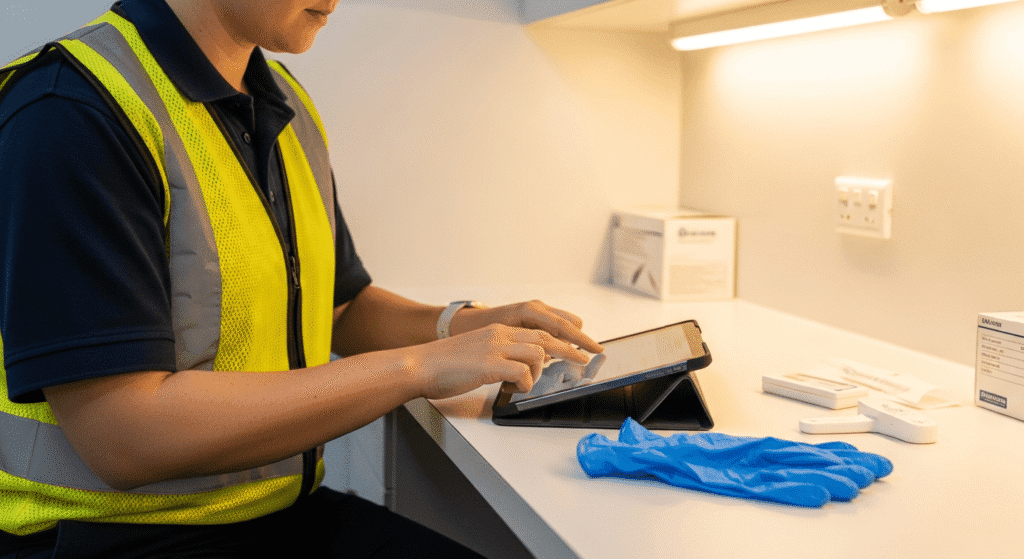
Mobile-First Testing - Log tests from your phone at the collection point — the gate, the crib room, or the depot. No need to go back to the office to enter results into a spreadsheet.
Guided Workflow - Step-by-step test logging walks you through every field — employee, test type, specimen, result, and notes. Nothing gets missed, even on a busy morning
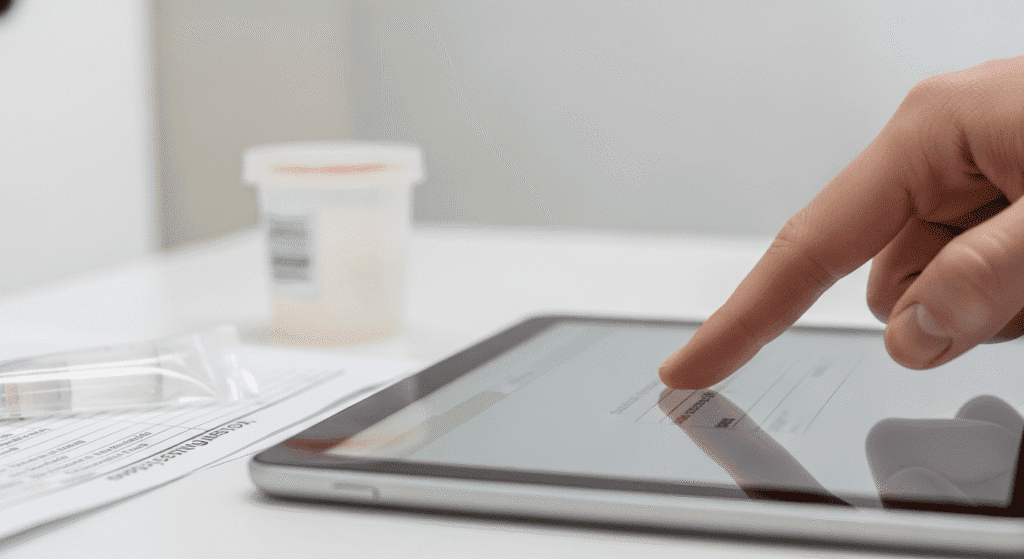
Photo & Signature Capture - Photograph test devices and capture donor signatures directly in the app. Everything is attached to the test record automatically — no scanning, no filing.
Offline-Ready - Working at a remote site with patchy signal? Log tests offline and they'll sync when you're back in range. Your workflow doesn't stop because the Wi-Fi does.
I used to carry a clipboard, a camera, and a pile of forms. Now it's just my phone. I can test six people before smoko and the results are already in the system before I've put the kettle on.
— Drug & Alcohol Tester, Mining Services Company
From Selection to Result in Under a Minute
When a selection lands, tap the employee, select the test type, and log the result. FairTest pre-fills what it can from the selection event so you’re not re-entering data. Attach a photo of the test device, capture a signature, add any notes — done.
Know Who You're Testing, Right Now
Open the app and see today’s selections — who’s been drawn, who’s been tested, and who’s still outstanding. Filter by location if you’re covering multiple sites. No waiting for an email or a phone call from the office.
Every Step Recorded, Every Detail Linked
Each test you log is timestamped and linked to the original selection event, the employee, and your collector profile. Photos, signatures, and notes are all attached. If a result is ever challenged, the digital chain of custody is already there.
Your Phone, Your Tablet — Whatever You've Got
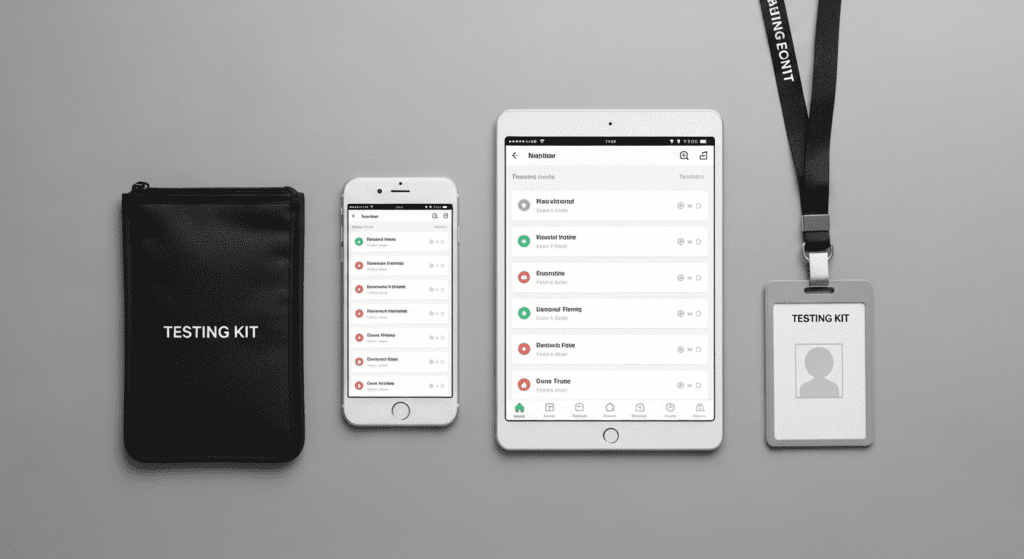
FairTest works on iOS and Android, phone and tablet. The interface adapts to your screen size so you get the same clean experience whether you’re on a personal phone or a company iPad. No special hardware required.